PrismDesk
Turns an Android tablet into a wireless second monitor for Windows 11 — with HDR and pen pressure.
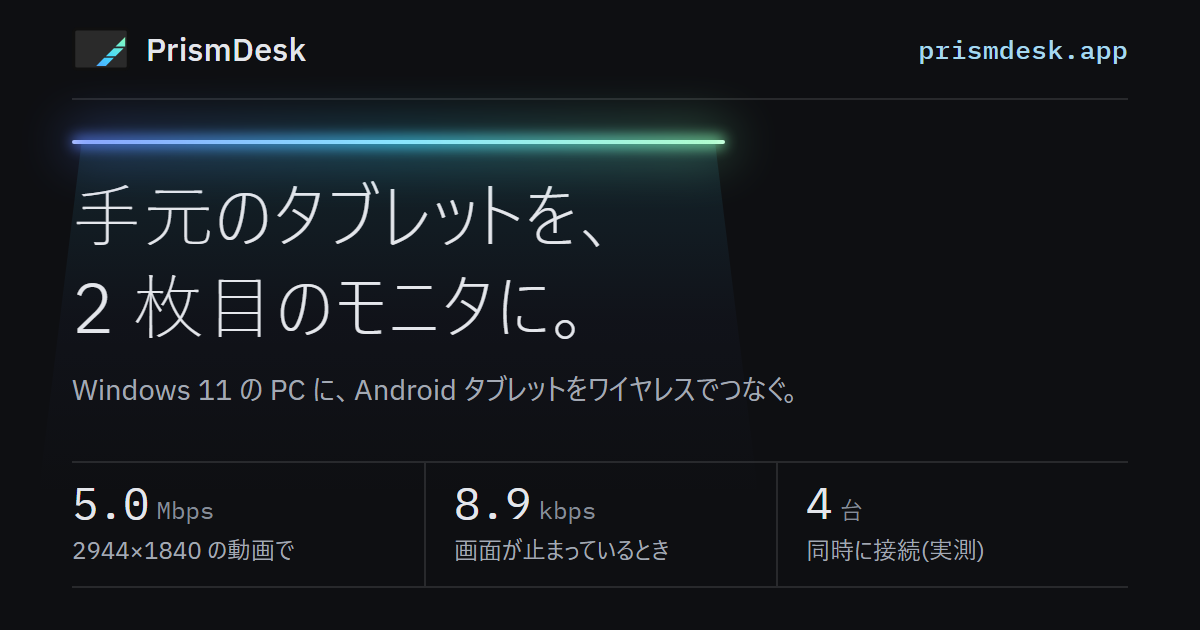
- Official site (prismdesk.app)
Launches 14 October 2026. Free edition available. Sign up to get one email at launch
PrismDesk turns an Android tablet into a wireless second monitor for a Windows PC. The product pitch lives on the official site, prismdesk.app. Repeating it here would be dull, so this page is written from the builder’s side: what goes on inside, and why it was done that way.
PrismDesk — Android tablet as a wireless second monitor for WindowsTurn an Android tablet into a wireless second monitor for Windows 11 — HDR, pen input, zero setup, and measured numbers you can check. Free edition, no account.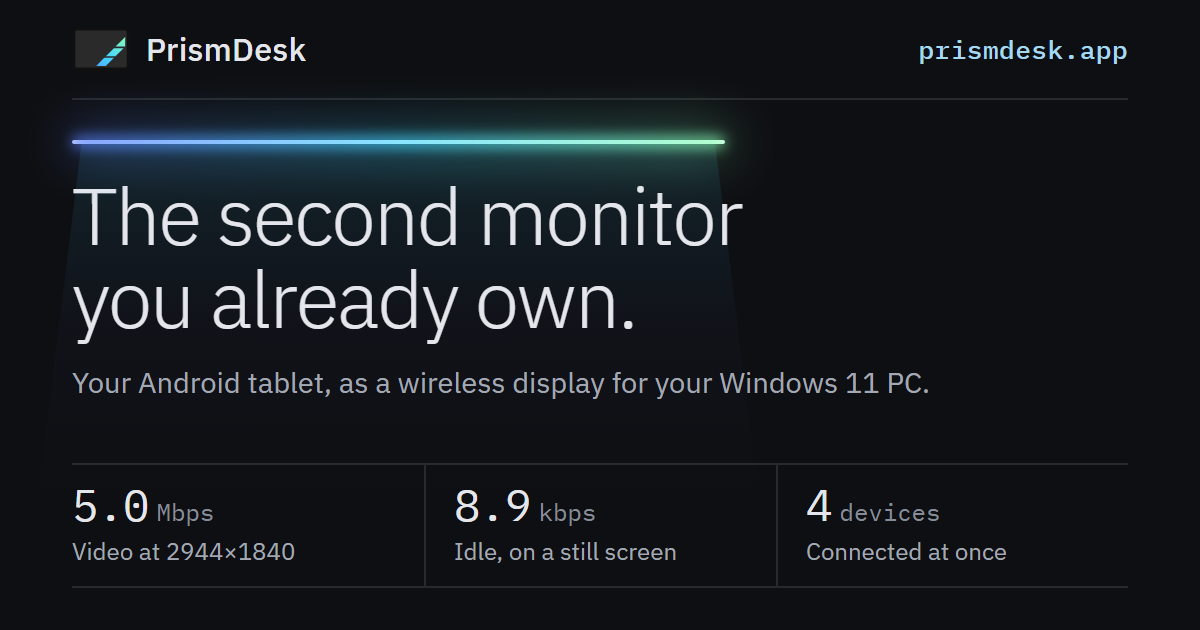
The pipeline
The host is written in C++ (Win32 / D3D11) and the client in Kotlin (Android). This is the path a single frame takes to reach the tablet:
Virtual display (IddCx driver)
  → captured with Windows.Graphics.Capture (stays a D3D11 texture)
  → color-converted on the GPU (NV12 / P010)
  → H.264 / H.265 via NVENC or Media Foundation
  → sent over UDP (AES-256-GCM)          ───>  decoded with MediaCodec → SurfaceView
  ← injected via SendInput / as pen input <───  touch and pen (TLS 1.3)
← virtual camera "PrismDesk Camera" <─── device camera (H.264)The CPU never touches a frame between capture and encode. “No extra CPU↔GPU copies on the per-frame path” is held as an invariant, and it is checked both with GPU engine counters and in code review.
Building a real monitor
An app that just mirrors a window onto the tablet gives you nowhere to put your windows. PrismDesk uses a virtual display driver (IddCx — PrismDeskVdd, forked from MttVDD upstream) to create an extra monitor that Windows sees as real, with its own resolution, and then captures what is on it.
The device node is created with SwDeviceCreate, but that node only exists for as long as the process that created it is alive. So the host recreates the node every time it starts, which requires administrator rights — and that is why the host app itself assumes it runs elevated. Installing the driver, adding the firewall rule and registering the logon start-up are all the installer’s job; after a reboot there is nothing left for the user to touch.
A still screen took 27 seconds to come back
A second monitor spends most of the day showing nothing new. If you send nothing when nothing changes, bandwidth drops close to zero. Measured, a still screen costs 8.9 kbps (0.24 fps).
There was a catch, though. Starting from a still screen and reopening the app on the tablet, it took 27,427 ms for the picture to come back. The encoder attaches an IDR to “the next frame submitted” — and when the screen isn’t changing, that next frame never arrives. Earlier builds sent IDRs periodically, which had been papering over the hole by accident.
Bringing periodic IDRs back would break the idle-bandwidth invariant (10 kbps or less). The fix I chose: when a keyframe is requested and no new frame arrives within 100 ms, resubmit the most recent frame exactly once. It only resends on request, so idle bandwidth doesn’t go up.
| Before | After | |
|---|---|---|
| App resumed → picture back | 27,427 ms | 529–1,260 ms (4 runs) |
| Request → IDR out | — | 23 ms |
| Bandwidth on a still screen | 8.9 kbps | 1 kbps |
Carrying HDR as HDR, all the way through
The most common way HDR breaks is by quietly falling back to SDR somewhere along the way — and there were places it could happen on both the host and the client.
On the host. RGB→YUV conversion is handed to the GPU’s VideoProcessor, but the classic D3D11_VIDEO_PROCESSOR_COLOR_SPACE has no field for the transfer function (gamma). It can express neither PQ nor linear scRGB, so the host uses VideoProcessorSetStreamColorSpace1 / VideoProcessorSetOutputColorSpace1, which take a DXGI_COLOR_SPACE_TYPE.
| Captured format | Input color space | Output color space |
|---|---|---|
| scRGB FP16 | RGB_FULL_G10_NONE_P709 |
YCBCR_STUDIO_G2084_LEFT_P2020 |
| RGB10A2 (already PQ) | RGB_FULL_G2084_NONE_P2020 |
YCBCR_STUDIO_G2084_LEFT_P2020 |
| SDR BGRA8 | RGB_FULL_G22_NONE_P709 |
YCBCR_STUDIO_G22_LEFT_P709 |
If “is it HDR?” is a single bool, you can’t tell PQ from scRGB — both are true. So each captured frame carries its actual color space.
On the client. Window.setColorMode(COLOR_MODE_HDR) only affects the Compose UI layer, not the video. What the video layer needs turned out to be SurfaceView.setDesiredHdrHeadroom() (API 35 and later). Whether it works is checked by numbers, not by eye: the HDR/SDR ratio from the frame stats. On a Pixel 9 it reads 7.999703. If it stays at 1.0, something has dropped to SDR along the way.
No frame-rate claims
Capture only receives a frame when Windows composes the screen. That means the achievable frame rate can end up being a divisor of the primary display’s refresh rate. On a 75 Hz primary display that’s 75 / 37.5 / 25 — and 60 isn’t on that list.
I could write “60 fps”, but that would be a statement about my development monitor, not yours. The official site doesn’t publish a frame-rate number either.
Encryption: no DTLS on UDP
| Channel | Carries | Protection |
|---|---|---|
| Control (TCP) | Capability negotiation, session control | TLS 1.3 |
| Input (TCP) | Touch, pen, keyboard, mouse | TLS 1.3 |
| Video, audio, camera (UDP) | The screen itself | AES-256-GCM |
| Discovery (UDP) | Host name, port, certificate fingerprint | Plaintext |
The video path is built on the premise that a lost packet can stay lost. DTLS brings a record layer plus retransmission and ordering to every datagram, which fights that premise. All that’s actually needed is confidentiality and tamper detection, so keys are distributed over the TLS control channel and each datagram gets a single AEAD layer on top (the same idea as SRTP). The tablet pins the PC’s certificate fingerprint. In a later re-measurement, encryption added about 2% to bandwidth.
Measuring from outside the product
A second-monitor app can look great in a demo and still show its rough edges once you use it every day. So the performance numbers aren’t adjectives, and they’re measured without relying on anything the app reports about itself: NIC byte counters, GPU engine utilization, and SurfaceFlinger frame timings on the tablet.
| Item | Measured |
|---|---|
| Bandwidth while playing video at 2944×1840 | 5.0 Mbps (spacedesk: 24.7 Mbps in the same test, same footage) |
| Wi-Fi cut for 2, 5 and 10 s, then restored | Reconnected to the same virtual display on its own, 12/12 times |
| Time to clean up a device that never comes back | 20.5 s |
| Simultaneous connections (sharing capture and encoder) | Verified with 4 devices |
Host    Core i7-11700 / RTX 3060 + UHD 750 / Windows 11 (build 26200) / wired gigabit
Tablet Lenovo Idea Tab Pro (Android 16) / 1840×2944 / Wi-Fi 6, RSSI −46 dBm / same L2Acceptance testing on real hardware is gradually being taken out of human hands, too. On the development machine, the host is launched elevated without a UAC prompt, the same commands the GUI sends are pushed through a control pipe restricted to the same user, and on the tablet side, adb pokes at a hook that exists only in debug builds. One full check can now run without anyone reading the screen. (None of this ships in the installer.)
I build prismdesk.app myself, too
The official site, prismdesk.app, is built from the same repository as the product. There’s no framework: a single Python script with no dependencies besides markdown assembles static HTML, which is hosted on Cloudflare Pages. It comes in both English and Japanese.
A few decisions went into it:
- Not a single character of legal text is written into the site. The terms of service and privacy policy are documents in a separate directory, and the site only renders them to HTML, so there is one source of truth
- The build stops if a legal document links to a page that doesn’t exist. The legal documents also ship inside the apps, and once shipped, their URLs can’t be fixed
- A production build fails if a sign-up form has no destination filled in. A form without an
actionsilently drops every sign-up. That’s a failure nobody would ever notice, so the build catches it - Pages is deployed by direct upload, not Git integration. Git integration gives Cloudflare read access to the entire repository. There’s no reason to hand over a repo containing the product source and signing procedures just to host a website
The top of the site has a browser-based demo of the preview from the app’s settings screen — the one that shows how the chosen settings will look on the device. You can change the orientation and resolution, and drag a window from the PC side over to the device. The “What it does not do — yet” section is deliberately placed in the middle of the page, because it’s information you need before deciding to buy.
Public repository
The product source is closed, but the docs, Issues, Discussions and releases are public on GitHub. Bug reports and feature requests go there.
GitHub - Asynchronous-0x4C/prismdesk-app: Documentation, issue tracker and releases for PrismDesk - a wireless second monitor for Windows, using an Android tablet.Documentation, issue tracker and releases for PrismDesk - a wireless second monitor for Windows, using an Android tablet. - Asynchronous-0x4C/prismdesk-appFree and Pro
| Free | Pro (US$22, one-time) | |
|---|---|---|
| Devices connected at once | 1 | Up to 4 |
| Display | SDR | HDR |
| Pen and touch input | ✓ | ✓ |
| Audio | ✓ | ✓ |
| Use the device camera as a webcam | — | ✓ |
One Pro key covers up to three of your own Windows PCs. No subscription, no account. There’s also no telemetry and no automatic update check — the only times anything leaves your network are when you press “Activate” or “Check for updates”.
Requirements
- Windows 11 64-bit (build 22000 or later), with administrator rights. Windows 10 hasn’t been tested, so it isn’t listed as supported
- A GPU that can encode H.264 in hardware (NVIDIA NVENC, or an Intel / AMD encoder through Media Foundation)
- Android 8.0 (API 26) or later, on a device with a hardware H.264 decoder
- The PC and the device on the same LAN (wired or Wi-Fi)